Step 1. Install ConvertX from the App Store
One click installation, no configuration required
From your Yundera dashboard, open the App Store and search for ConvertX.
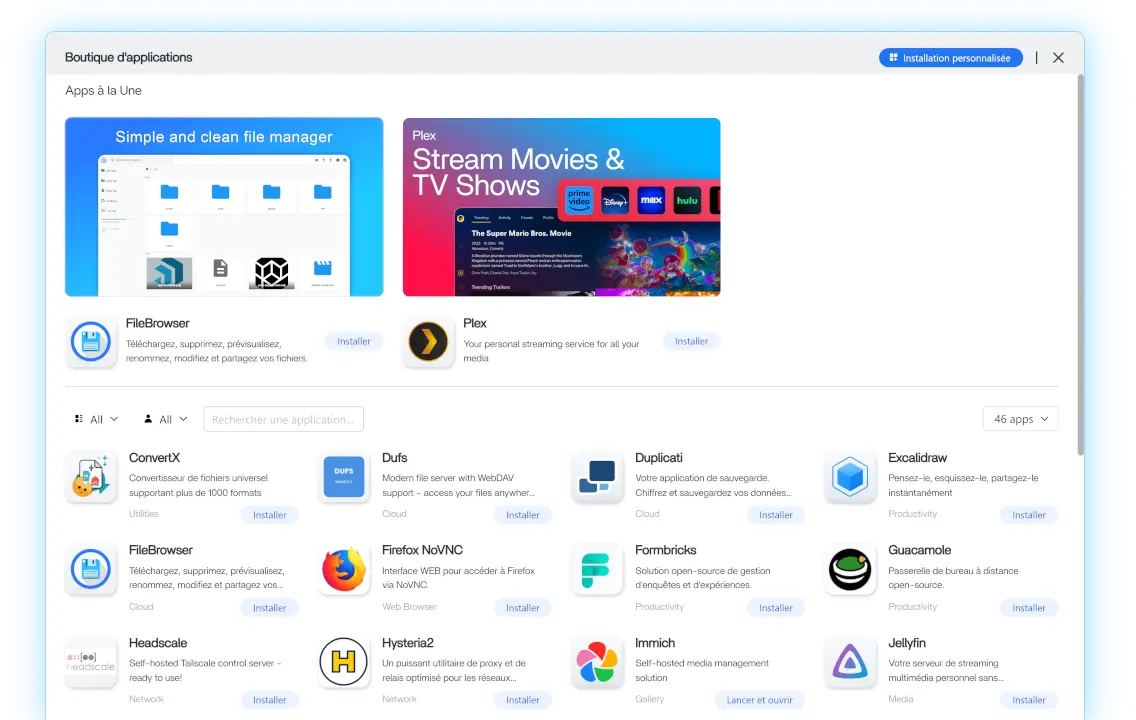
Click Install to start the deployment.
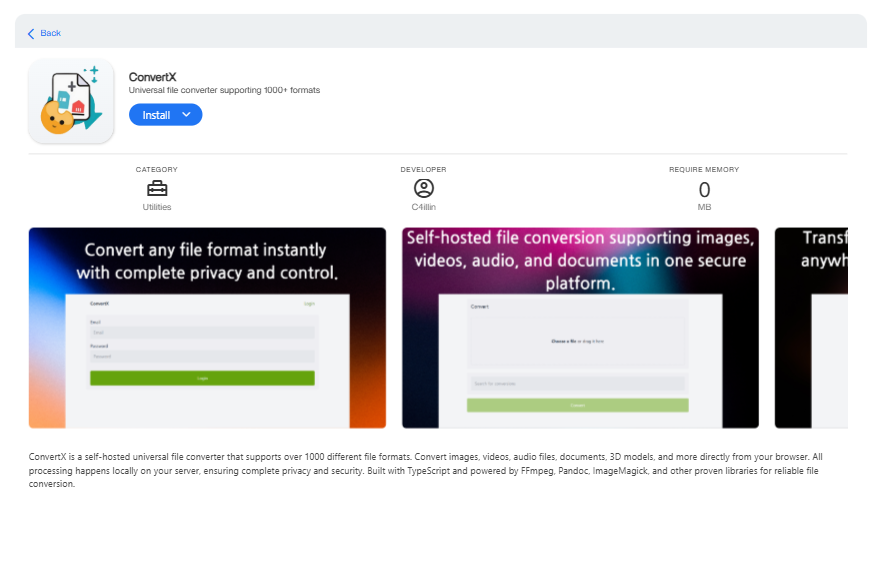
Yundera automatically sets up everything ConvertX needs to run properly, including the server, services, and internal configuration. You do not need to install Docker, configure services, or manage any technical settings.
Once the installation starts, Yundera takes care of the rest.