Decide in 5 Minutes: Self-Hosted Newsletter, the Practical Guide

If your top priority is complete control over your data and you're willing to take on the technical workload that comes with it, a self-hosted newsletter is still the most coherent choice. If you want that same control without managing servers, backups and updates, a managed private instance like Yundera's gives you the equivalent without the maintenance.
In short:
- Full self-hosting requires a lightweight server, regular technical upkeep and precise configuration of DNS, SPF, DKIM and DMARC.
- Owning your data means controlling where the information you collect comes from, how long you keep it and what it's used for, while avoiding vendor lock-in.
- Discipline around sending reputation, monitoring and server hardening remains essential to keep your emails deliverable.
- A managed solution like Yundera's handles maintenance, security and backups without sacrificing data sovereignty.
- The decision comes down to how much control you need, your budget, your technical expertise and how sensitive your data is.
Table of contents
- Self-hosted newsletter: definition and possible setups
- Why taking back control of your newsletter changes everything
- What technical checklist should you run through before starting?
- How do you make sure your emails land in the inbox?
- Self-hosting or SaaS: what budget should you really plan for?
- How do you keep an instance reliable over time?
- How do you stay in control of your subscribers and their consent?
- Why choose a managed private instance over full DIY
- How to decide in five minutes and get started
- The Yundera alternative for your self-hosted newsletter
- Sources
Self-hosted newsletter: definition and possible setups
A self-hosted newsletter is an email sending system where you own the infrastructure: the server, the subscriber database, the templates and the statistics all belong to you, with no third-party newsletter service hosting everything on your behalf. You're no longer dependent on a SaaS platform to decide your pricing, your sending quotas or how long your lists are retained.
In practice, there are two routes:
- Full DIY: you rent a server, install the software, configure SMTP and handle security and backups yourself.
- A managed instance: a provider takes care of the infrastructure, updates and security, while you keep ownership of the data and full editorial control.
A small shop sending a monthly newsletter to 2,000 contacts doesn't have the same needs as an independent media outlet publishing several times a week to a large subscriber base, or a B2B company that has to document every consent for contractual reasons. Self-hosting makes sense in all three cases. The only thing that changes the answer is how much time you're prepared to invest in it.
Why taking back control of your newsletter changes everything
The most commonly cited benefit is sovereignty over your data, which eliminates vendor lock-in as long as you plan your exports properly. In concrete terms, you're no longer held hostage by a unilateral price increase or an account suspension that lands overnight.
But the real advantage goes beyond the purely technical question.
- You decide exactly what you collect and how long you keep it.
- Your subscribers become your direct customers, not the product of a free service monetising their data elsewhere.
- You can prove where consent came from at any moment, which becomes decisive in the event of a regulatory audit.
There's a flip side to this logic: responsibility for compliance and security falls entirely on you. An unpatched server or an unencrypted database exposes your subscribers just as much as a breach at a SaaS provider.
Pro tip: From day one, document the source of every sign-up (form, import, event). That record saves you hours of digging the day a subscriber asks how their address ended up in your database.
What technical checklist should you run through before starting?
Before installing anything, make sure you have the following basics in place:
- A properly sized VPS: for a few thousand subscribers, 1 to 2 GB of RAM and a shared CPU are generally enough, with rental costs starting at a few euros a month for small configurations.
- A dedicated sending domain, ideally separate from your main domain, so your sending reputation stays isolated from your public website.
- DNS records ready to be edited: access to the DNS zone so you can add SPF, DKIM and DMARC records as soon as you install.
- A valid TLS certificate, usually automated through Let's Encrypt, to secure the admin interface and the unsubscribe links.
- A choice between your own SMTP and an external relay: running your own SMTP server gives you total control but demands rigorous reputation management, whereas a relay (such as a third-party sending service plugged into your open source software) simplifies deliverability at the cost of partial dependency.
When choosing software, always compare four criteria: export quality (CSV, JSON, API), how straightforward the interface is for your non-technical colleagues, the size of the community maintaining the project, and how frequently security patches ship. A project that's been abandoned for two years, even a free one, ends up costing more than an actively maintained solution.
How do you make sure your emails land in the inbox?
Deliverability is the Achilles' heel of most self-hosted projects. Best practice requires SPF, DKIM and DMARC to be configured correctly, combined with a gradual ramp-up when you're using a dedicated IP.
In practice, that means:
- SPF lists the servers authorised to send on your behalf, which blocks basic domain spoofing.
- DKIM cryptographically signs every message to prove it hasn't been altered in transit.
- DMARC tells mailbox providers what to do when SPF or DKIM fails, and sends you reports on anomalies.
- A brand-new IP should be warmed up over two to four weeks, starting with your most engaged segments before widening to your full lists.
- A hard bounce (non-existent address) must unsubscribe the contact automatically, or your reputation will drop within a few weeks.
Without this groundwork, even the best content ends up in spam. This is often where DIY projects fail, not for lack of software, but for lack of discipline around sending reputation.
Self-hosting or SaaS: what budget should you really plan for?
Self-hosting changes the structure of your costs rather than simply reducing them. Instead of paying a subscription that climbs with your subscriber count, you pay a fixed price for a server, whatever the volume of contacts.
- VPS: from a few euros a month for low volumes, up to €30 or €50 for heavier sending.
- Domain name: around ten euros a year depending on the extension you choose.
- TLS certificate: free with Let's Encrypt in the vast majority of cases.
- Software licence: often nothing at all if you go with an open source project, apart from optional premium modules.
- The most underestimated hidden cost: your own time spent on updates, security and troubleshooting, which never shows up on an invoice but weighs heavily over the long run.
Self-hosting becomes cost-effective as soon as your subscriber volume grows large enough to make a SaaS subscription expensive. For a detailed comparison of SaaS and self-hosting costs, the logic applied to websites carries over almost identically to newsletters.
How do you keep an instance reliable over time?
Maintenance isn't an optional extra, it's the direct trade-off for the control you gain. Some tools make the initial deployment easy through Docker or a ready-to-run binary, but responsibility for updates and security stays with you for the entire life of the project.
Four habits to build into your routine:
- Back up the database, configuration files and templates, ideally automatically and stored off-site, with regular restore tests.
- Test every update on a staging environment before applying it in production; a poorly tested patch can break your sending overnight.
- Monitor your logs and set up alerts for suspicious login attempts or spikes in SMTP errors.
- Restrict SSH access to keys rather than passwords, and disable direct root login.
Pro tip: Schedule your updates for a day when you're not sending a campaign. A patch that goes wrong the day before an important send turns a maintenance routine into a crisis.
To dig deeper into hardening a sending server, this guide to self-hosted private email covers settings that apply almost as-is to a newsletter.
How do you stay in control of your subscribers and their consent?
The portability of your data and your configurations determines whether the whole project holds up long term. Always export to CSV or JSON, keeping three non-negotiable fields: the address, the date and source of consent, and the history of previous sends.
- Schedule a full monthly export, even if nothing has changed, so you always have a recent copy outside your main server.
- Run a dry-run migration on a second server before any change of software or provider; it reveals badly exported fields before they become a real problem.
- After every migration, compare subscriber counts, unsubscribe rates and consent dates between the old and new systems to catch any silent data loss.
This discipline around exports is what separates genuine sovereignty from hosting that's merely cobbled together.
Why choose a managed private instance over full DIY
A managed offering lets you keep the benefits of self-hosting — data ownership and freedom from vendor lock-in — without shouldering the operational burden of backups, updates and security on your own. That's exactly what Yundera offers: a private server hosted in France, with more than 100 pre-installed open source applications, accessible through your own domain.
In practice, this kind of instance changes three things for you:
- Technical upkeep disappears from your to-do list: backups, security patches and monitoring are handled for you.
- Export stays guaranteed at all times, which preserves the portability logic described above.
- The infrastructure neither collects nor resells any data, which speaks directly to the question of data ownership at the heart of this guide.
The choice between DIY and outsourced management ultimately comes down to a single trade-off: does your desire for total control outweigh your need for operational peace of mind?
A non-profit short on technical time, an SME that wants to demonstrate compliance without hiring a sysadmin, or a solo creator who'd rather write than patch a server — these are the profiles that get the most out of this approach.
How to decide in five minutes and get started
Ask yourself a handful of key questions about your server skills, your budget for the learning curve, your subscriber volume and the sensitivity of your data to work out whether self-hosting is a good fit.
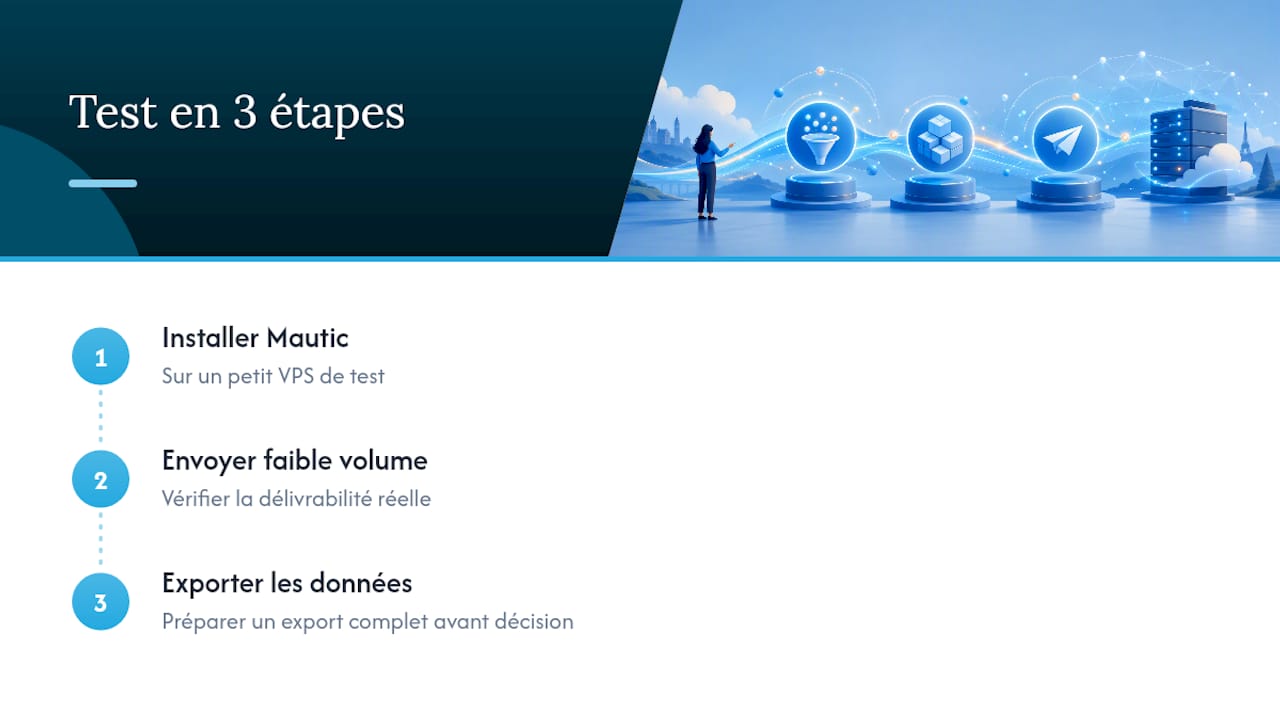
Three concrete steps to test the waters without committing everything: set up a trial on a small VPS with software like Mautic, check your real-world deliverability with a low-volume send, then prepare a full export before making any final decision. This approach gives you an answer grounded in experience rather than theory.
The Yundera alternative for your self-hosted newsletter
Yundera offers a fully managed private server, hosted in France, with more than 100 open source applications already installed, accessible from your own domain name and requiring no prior technical skills.
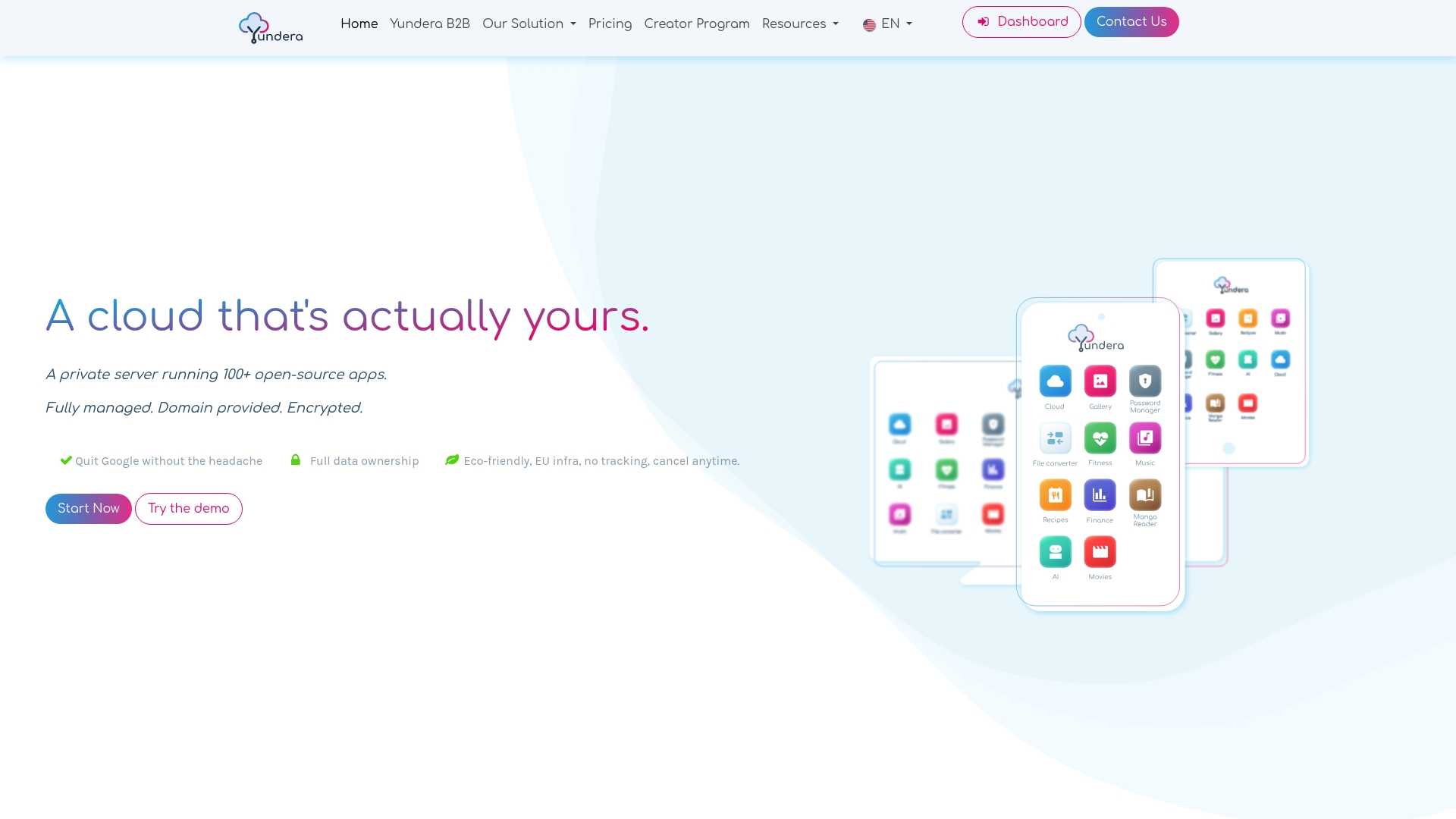
Unlike pure DIY, you don't have to choose between security and simplicity: backups, updates and monitoring are handled for you, while exporting your data stays guaranteed at any time. That's exactly the trade-off this guide has been building towards — sovereignty without the operational load. For a small business or a freelancer who wants to launch a newsletter without assembling a technical team, it's a direct starting point rather than a multi-week project. Take a look at the private server for data sovereignty page to see how to set up your instance, or explore the solutions built for small businesses if you're looking for a use case close to your own.
— Yundera
Decide in 5 Minutes: Self-Hosted Newsletter, the Practical Guide