Guide to get to know your PCS
Once your PCS is ready, you can access it easily through an interface called CasaOS, where you will manage your files and apps.

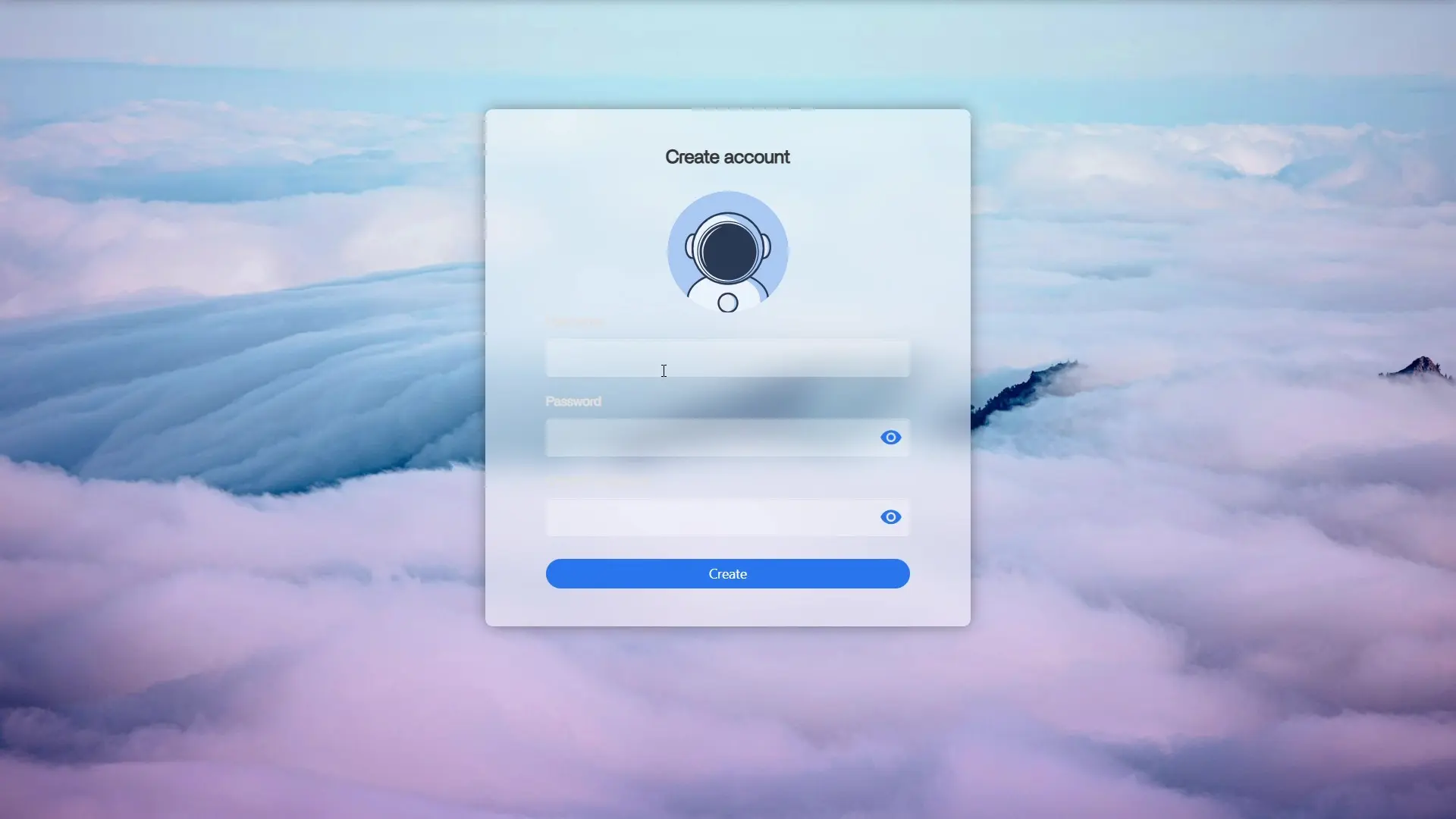
First Login
Your PCS is ready. For your first login in your PCS, you need to create an account to access its interface.
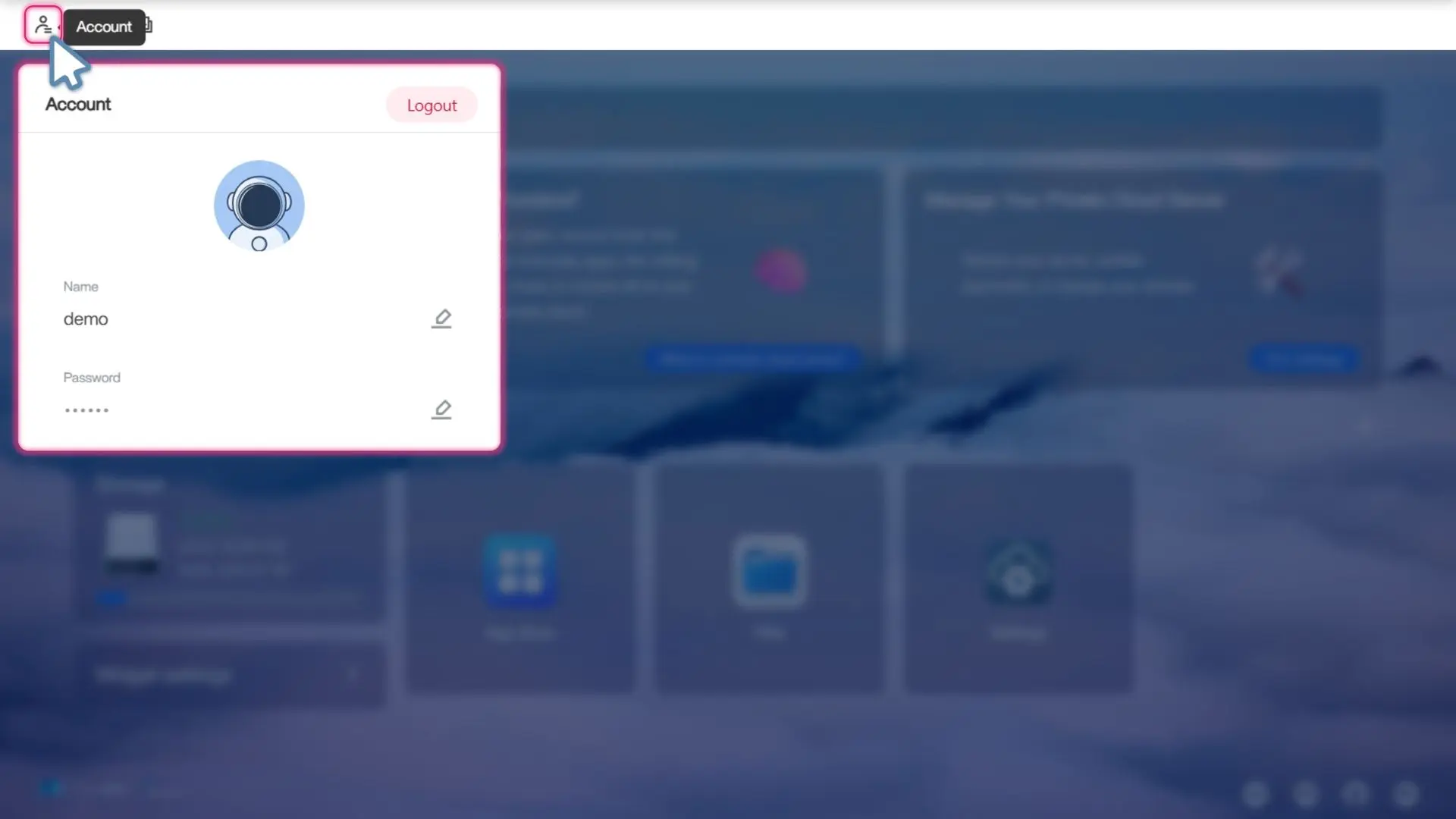
Account Settings
Access your CasaOS account settings: change your name, password and icon or logout.
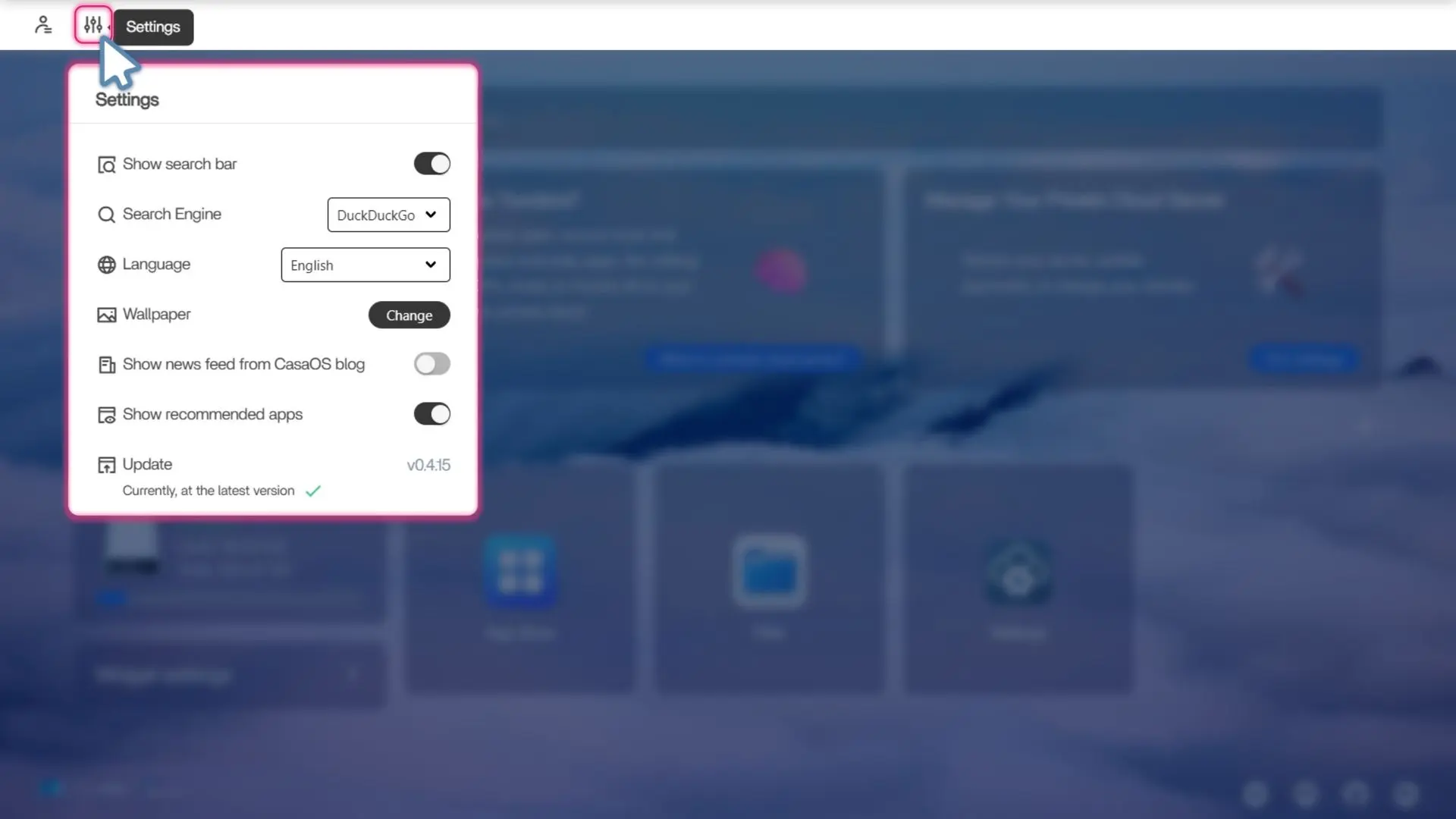
Interface settings
Personnalise your PCS interface by changing the background, the language or the search engine.
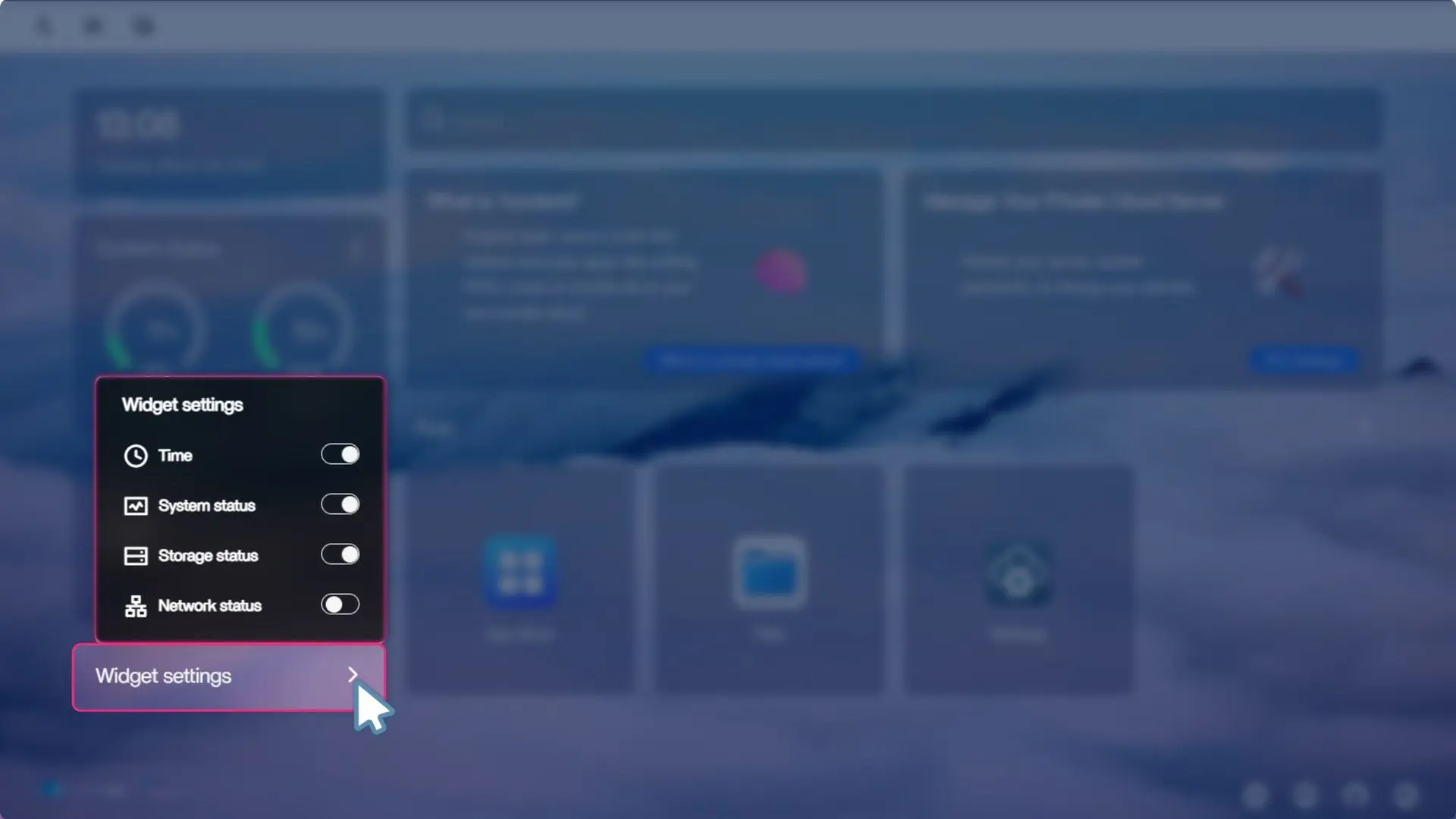
Widget settings
Continue the customisation of your PCS by choosing your widgets.
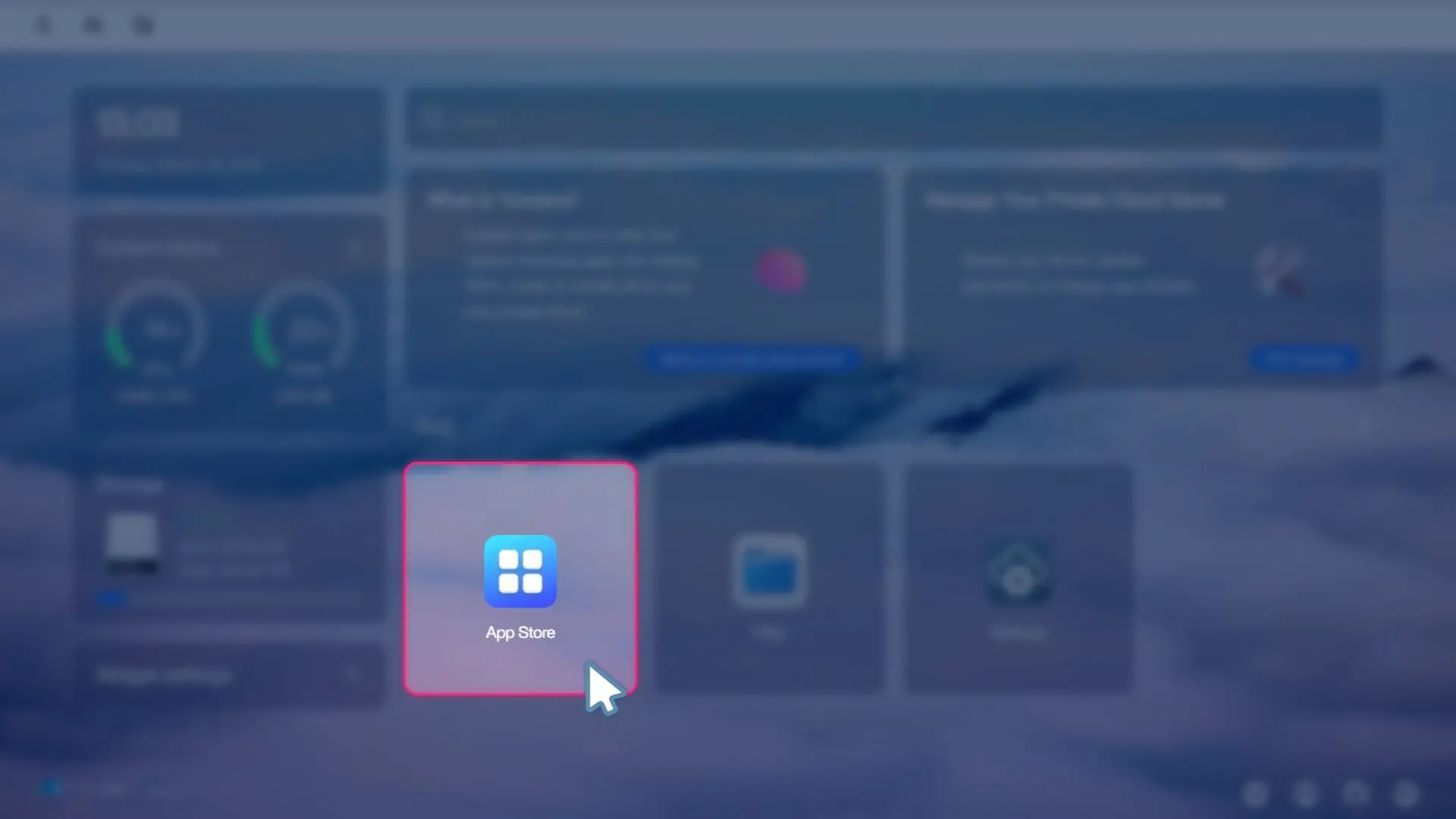
Install your apps
Open the App Store, to find all the open-source apps that our teams fully selected and tested for you.
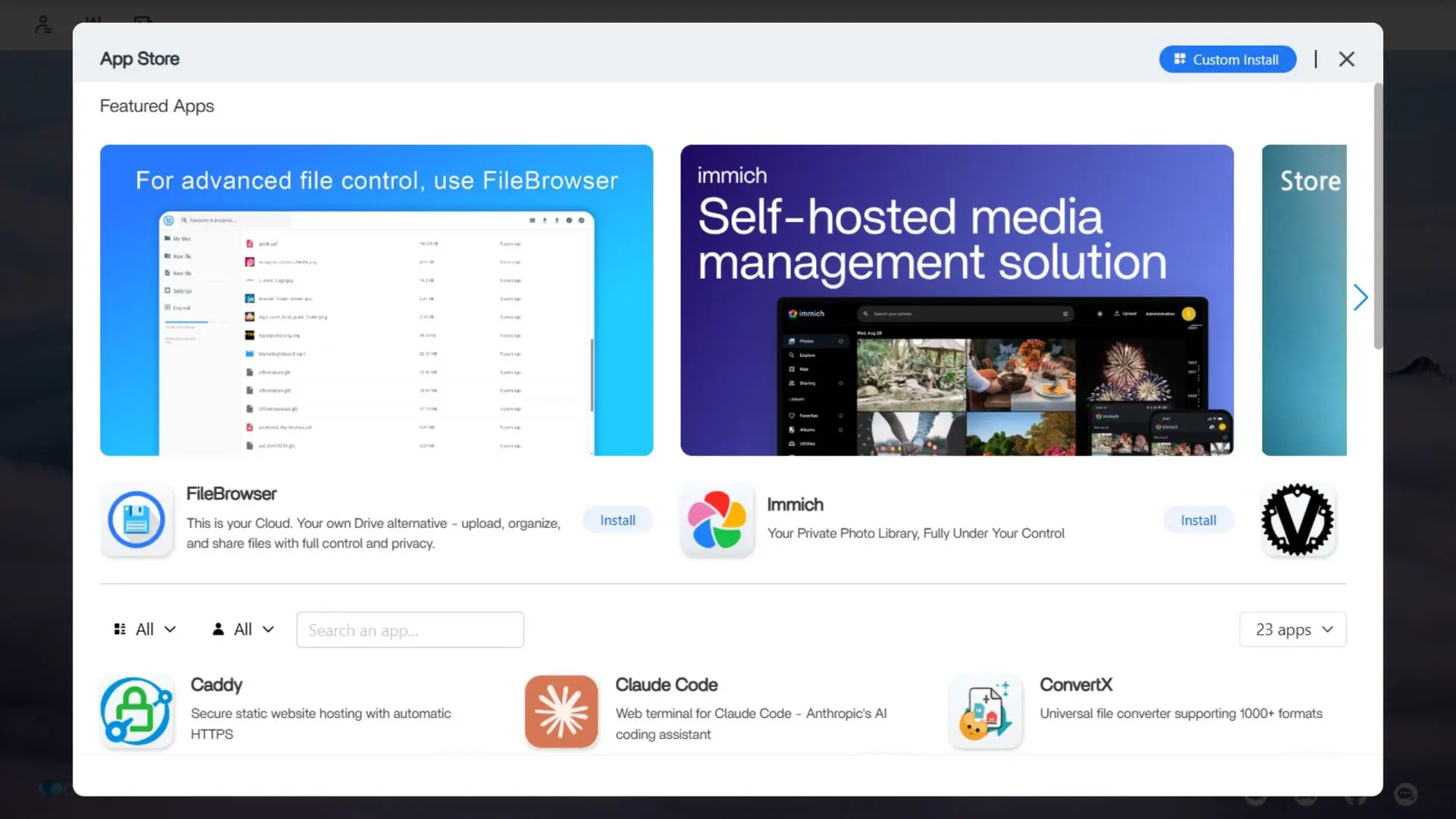
In your App Store
Browse and install apps to run your own services: store your files, manage photos, stream media, host websites, use AI tools, and power your work.
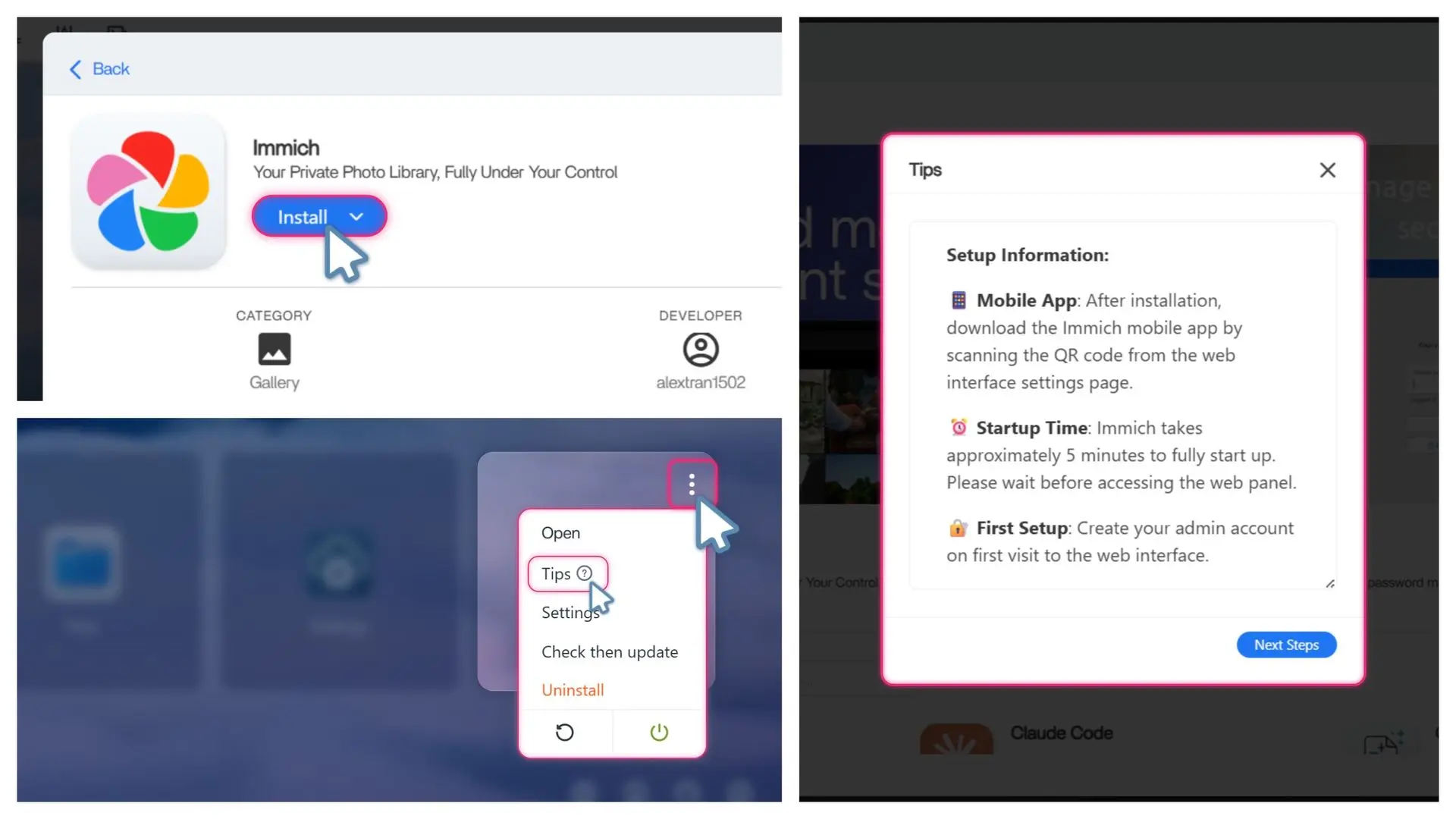
Install your favourite apps
Install any app of your choice. When installing applications on your PCS, you will be shown some tips from our team to configure the app. You can always look back on those tips in the option of the app in your PCS.
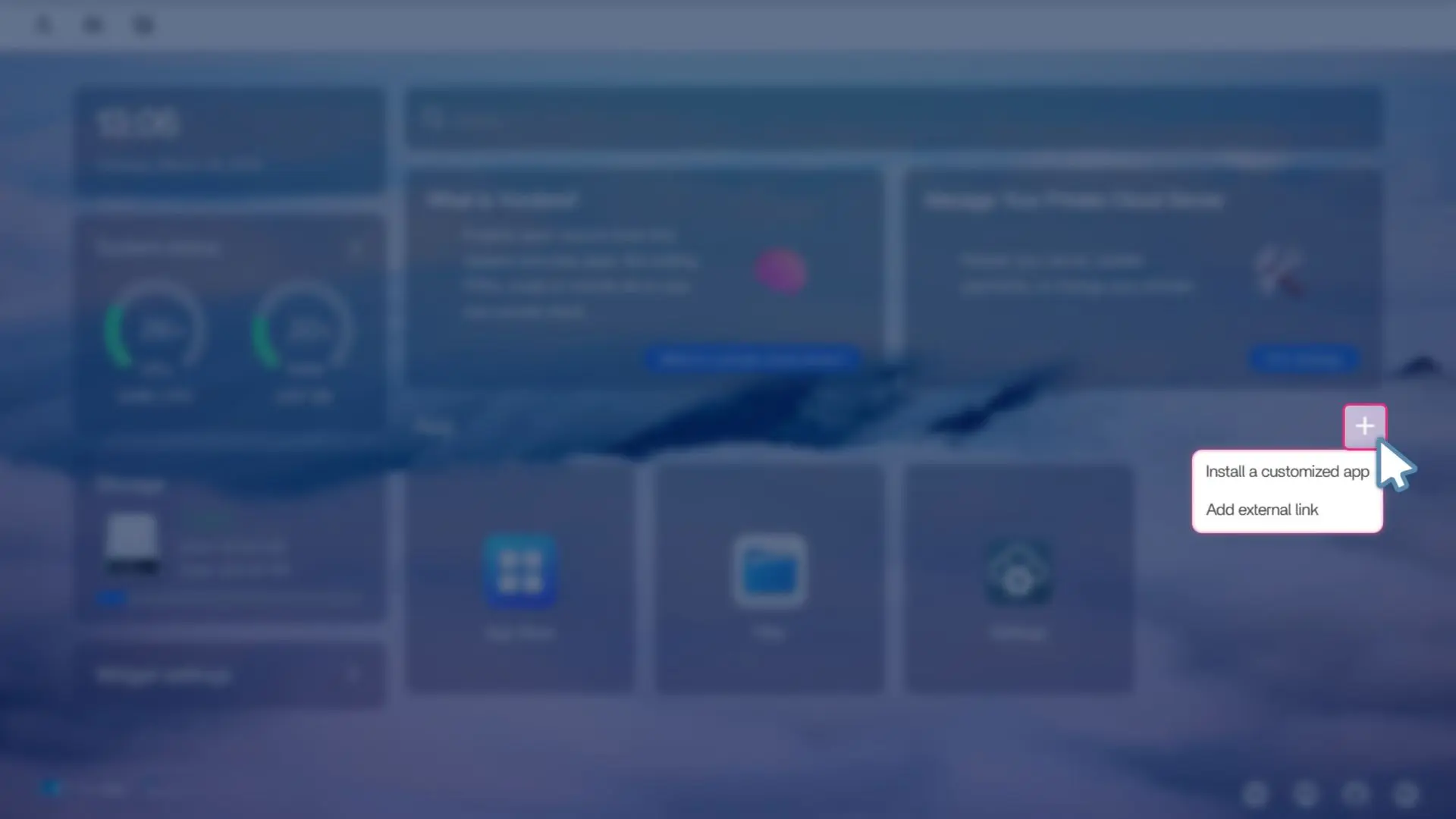
Install your custom apps
If you want an app that is not available in the App Store. You can always install a custom app like on your regular PCS.
Contact Us
If you are missing any information or want to give us any feedback, feel free to contact us. We are happy to here from you.
Guide to get to know your PCS
Once your PCS is ready, you can access it easily through an interface called CasaOS, where you will manage your files and apps.
First Login
Your PCS is ready. For your first login in your PCS, you need to create an account to access its interface.
Account Settings
Access your CasaOS account settings: change your name, password and icon or logout.
Interface settings
Personnalise your PCS interface by changing the background, the language or the search engine.
Widget settings
Continue the customisation of your PCS by choosing your widgets.
Install your apps
Open the App Store, to find all the open-source apps that our teams fully selected and tested for you.
In your App Store
Browse and install apps to run your own services: store your files, manage photos, stream media, host websites, use AI tools, and power your work.
Install your favourite apps
Install any app of your choice. When installing applications on your PCS, you will be shown some tips from our team to configure the app. You can always look back on those tips in the option of the app in your PCS.
Install your custom apps
If you want an app that is not available in the App Store. You can always install a custom app like on your regular PCS.
Contact Us
If you are missing any information or want to give us any feedback, feel free to contact us. We are happy to here from you.