Self-Hosted Private Streaming: Practical Sovereignty for French Speakers

For private, sovereign video streaming, go with a managed private server if you want to avoid the operational burden, or a DIY deployment if you insist on full control over every component. Both approaches hold up: the choice comes down to your networking skills, the time you can devote to maintenance, and the level of privacy you're after. Jellyfin, Fluxora, and Ant Media Server cover the classic use cases; Yundera answers the needs of anyone who wants sovereignty without the management.
In short:
- A managed server cuts the operational burden by handing security, backups, and updates to a third party, whereas DIY demands proactive management.
- The ideal setup depends on the use case: light for family use, more involved for a nonprofit or a business with uptime requirements.
- VOD delivery hinges on transcoding and optimized storage, while for live, Ant Media Server supports WebRTC, RTMP, and HLS for low latency.
- Stream security rests on authentication, encryption everywhere, and rigorous access management — particularly around capping upstream bandwidth.
- Yundera offers a turnkey solution built on a managed private server, guaranteeing data export and simplifying setup for individuals and SMBs alike.
Table of contents
- Managed or DIY: which approach for your self-hosted streaming?
- Which architecture: VOD, live, or hybrid?
- How to deploy your private streaming server, step by step
- How to secure a stream and keep your streaming genuinely private
- Backups, updates, monitoring: how to keep the service reliable
- What does self-hosted private streaming cost, and where can you optimize?
- Why a managed private server remains a pragmatic answer to sovereignty
- What most self-hosted streaming guides leave out
- Yundera: sovereignty without the maintenance burden
- Going further with self-hosted private streaming
- Sources
Managed or DIY: which approach for your self-hosted streaming?
A managed server hands security, backups, and updates to a third party, while DIY leaves you solely responsible for every technical layer. That difference in operational responsibility changes everything: Jellyfin says so explicitly — full control means handling security, backups, and updates yourself, and the community stresses proactive rather than reactive maintenance.
The right choice depends above all on how you'll use it:
- Family use: a NAS or a mini-server running Jellyfin is plenty; the maintenance load stays light and occasional.
- Nonprofit or club: multi-user access calls for real account management and regular backups, which quickly weighs DIY down.
- Business or professional activity: uptime and data export requirements make a managed solution more realistic than a server cobbled together on a weekend.
- Long-term archiving: the priority is storage reliability and restore testing, not latency.
DIY wins on apparent cost and total configuration freedom; managed wins on the time you get back and the guarantee of recovery when something goes wrong.
Which architecture: VOD, live, or hybrid?
For VOD (video on demand), the standard pipeline looks like this:
- Ingesting source files into local or object storage.
- Transcoding with FFmpeg to generate multiple resolutions.
- Optimized storage, with hardlinking between tools to avoid duplication on disk.
- Adaptive HLS delivery based on the client's bandwidth.
For live, the chain is a different beast: an RTMP or RTMPS stream reaches the server, which redistributes it over HLS, LL-HLS to cut latency, or WebRTC when interactivity matters most. Ant Media Server is a good illustration of that versatility, with native support for WebRTC, RTMP, HLS, and SRT that lets you build low-latency architectures without depending on a third-party provider.
The hybrid model combines automatic recording of live streams with republication as VOD. Fluxora pushes that logic further with a LAN-first model paired with peer-to-peer WebRTC, giving you fast local access with no ports opened to the outside. A CDN becomes worthwhile past a certain concurrent audience; below that, P2P or direct WebRTC is more than enough.
How to deploy your private streaming server, step by step
The hardware should match real usage, not a theoretical ideal. A NAS is enough for light family use, a VPS suits reliable remote access, and a dedicated server becomes necessary as soon as hardware transcoding (GPU) comes into play for several concurrent streams.
- Pick your platform: VPS for network flexibility, dedicated for transcoding power, NAS for domestic simplicity.
- Install via containers: Docker Compose remains the most reliable method; projects like YAMS automate the assembly of tools such as Radarr, Sonarr, and Jellyfin without tedious manual configuration.
- Configure the network: handle NAT and port mapping, or skip that step entirely with a STUN/TURN server for WebRTC, or even a VPN as a simpler alternative.
- Lock down access: put a TLS certificate on your domain name, generate access tokens, and schedule regular rotation.
Pro tip: Never set up public remote access before testing your pipeline locally. Misconfigured port forwarding is the number one cause of streams leaking to the outside world.
How to secure a stream and keep your streaming genuinely private
A stream's privacy doesn't stop at a password on the web interface. It rests on several technical layers, all of which have to hold.
- Authentication via JWT or HMAC tokens, with per-client revocation and signed links for HLS segments.
- Encryption everywhere: RTMPS for ingest, HTTPS for HLS delivery, DTLS-SRTP for WebRTC streams.
- Member accounts with per-user rate limiting to prevent bandwidth abuse.
- Logging kept to the strict minimum to avoid piling up sensitive metadata.
The most underestimated constraint remains upstream bandwidth: as soon as several users are watching at once, the CPU load from transcoding climbs faster than expected and can saturate a standard home connection. Projects like Fluxora bank on having no external callback mechanism at all, which grounds the privacy argument in design rather than in a promise.
Backups, updates, monitoring: how to keep the service reliable
A server running without supervision always ends up going down at the worst possible moment. Three routines keep that from happening.
- Regular backups of the database, metadata, and files, with a defined retention policy and restore tests actually carried out, not merely scheduled.
- Progressive updates via staged or blue/green deployments, to avoid a full service outage during the operation.
- Continuous monitoring of CPU, GPU if you're transcoding in hardware, the transcoding queue, and latency, with alerts firing before saturation, not after.
These three routines take little time once automated, but their absence turns the smallest incident into a prolonged outage.
What does self-hosted private streaming cost, and where can you optimize?
The main cost centers stay consistent from one project to the next: compute instances, storage, outbound bandwidth, an optional CDN, and transcoding licenses if you go with proprietary solutions.
- Hardlinking between media tools avoids duplicating files — a real storage saving on a NAS or a shared server.
- Offloading transcoding to a GPU reduces CPU load and lets you serve more concurrent streams without changing machines.
- A paid CDN becomes worthwhile past a few hundred concurrent viewers; below that, a well-designed proxy architecture is enough. One technical study showed that combining Ant Media Server with a Laravel proxy cut infrastructure costs by 85% for 2,000 viewers while staying hosted in Europe.
Why a managed private server remains a pragmatic answer to sovereignty
Data sovereignty only means something if it stays sustainable day to day. A managed private server with guaranteed data export and more than 100 preinstalled open-source applications delivers that sovereignty without requiring you to keep watch on the technical side full time.
Managed becomes the sensible option as soon as the maintenance burden exceeds the time you're willing to spend on it — without giving up control over your content. One simple rule to check before signing: always require a data export guarantee and total clarity on who handles security and backups, whichever provider you pick.
What most self-hosted streaming guides leave out
Most comparisons pit Jellyfin, Plex, and Emby against each other on features, missing the point entirely: the real question isn't which software to install, but who will carry the operational load six months from now. DIY is appealing at the start because it costs little and flatters the desire for total control, but experience shows attrition always comes from maintenance, not from the initial technical setup.
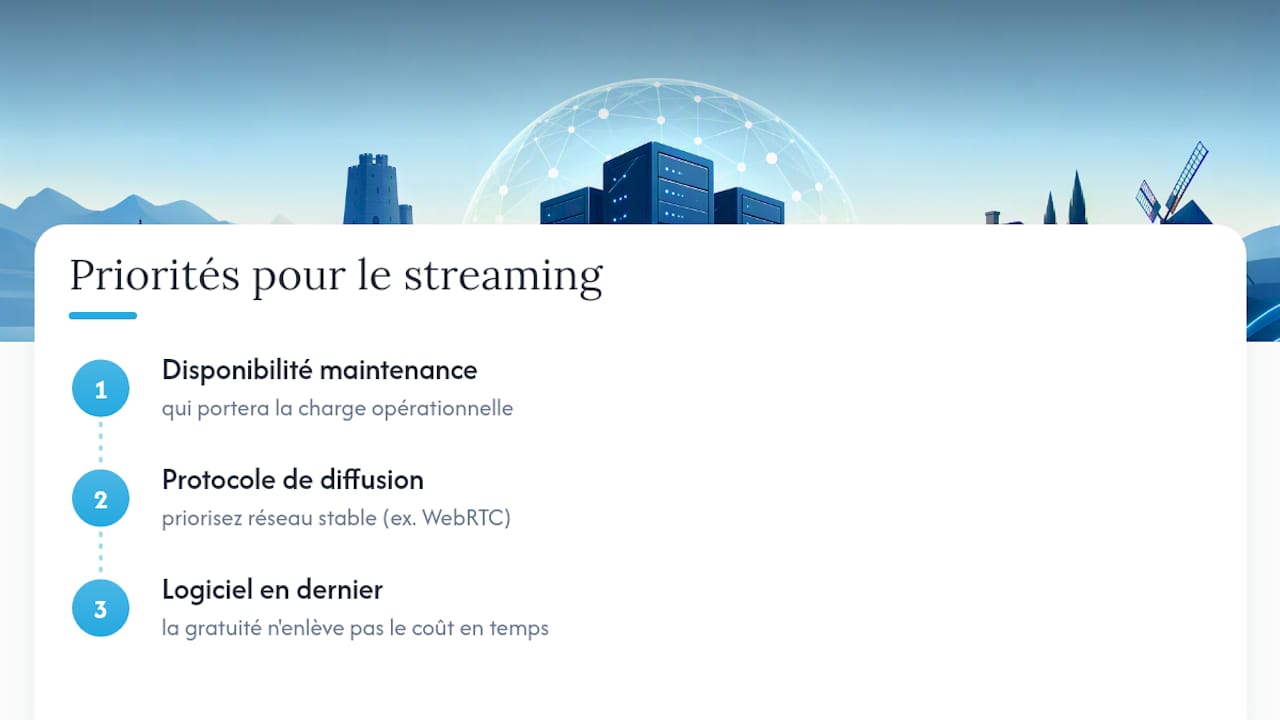
The usual advice — "install Jellyfin, it's free and open source" — says nothing about upstream bandwidth and GPU transcoding, two constraints that quickly derail a poorly sized project. Start by assessing how much time you actually have for maintenance, then pick the delivery protocol, and only last of all the software. A perfectly configured WebRTC stream on a bad network is still unusable; a basic Jellyfin on a sound network architecture lasts.
Data sovereignty isn't at odds with operational efficiency. It simply requires deliberately choosing who bears the responsibility, and never mistaking free software for free time spent keeping it running.
— Yundera
Yundera: sovereignty without the maintenance burden
Yundera offers a managed private server with preinstalled open-source applications, including ready-to-use personal streaming solutions. Unlike a DIY deployment, you don't have to handle security updates, backups, or network configuration yourself: it's all taken care of, with secure access from anywhere through your own domain name.
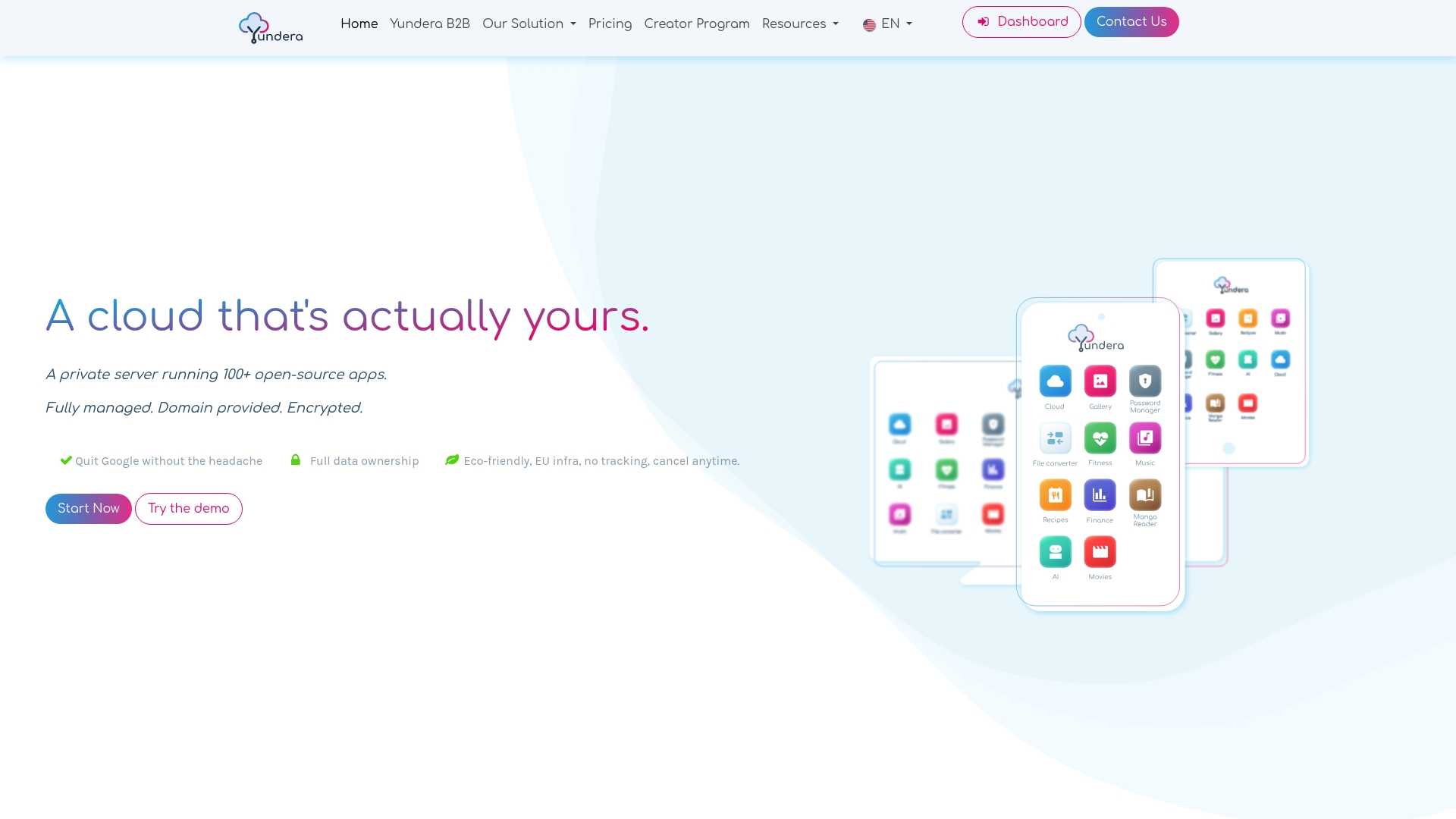
Exporting your data is guaranteed at any time, which directly addresses the fear of dependence on the big platforms raised in this analysis of Big Tech lock-in. For privacy-conscious individuals, the page dedicated to private users lays out the full offering. For a team or a startup looking to cut infrastructure costs, the page built for SMBs presents the professional use cases. In both cases, getting started requires no prior technical skills.
Going further with self-hosted private streaming
To dig deeper into practical deployment, see the Jellyfin on Yundera guide and the tutorial on building a private media library. On security and compliance, the practical guide to data sovereignty is a useful companion to this article. Also check Jellyfin's official documentation for remote access best practices.
Sources
- The Free Software Media System | Jellyfin
- What is YAMS? - YAMS - Yet Another Media Server
- Marshal-GG/Fluxora-Personal-Streaming-Platform
- We-flutter
Self-Hosted Private Streaming: Practical Sovereignty for French Speakers